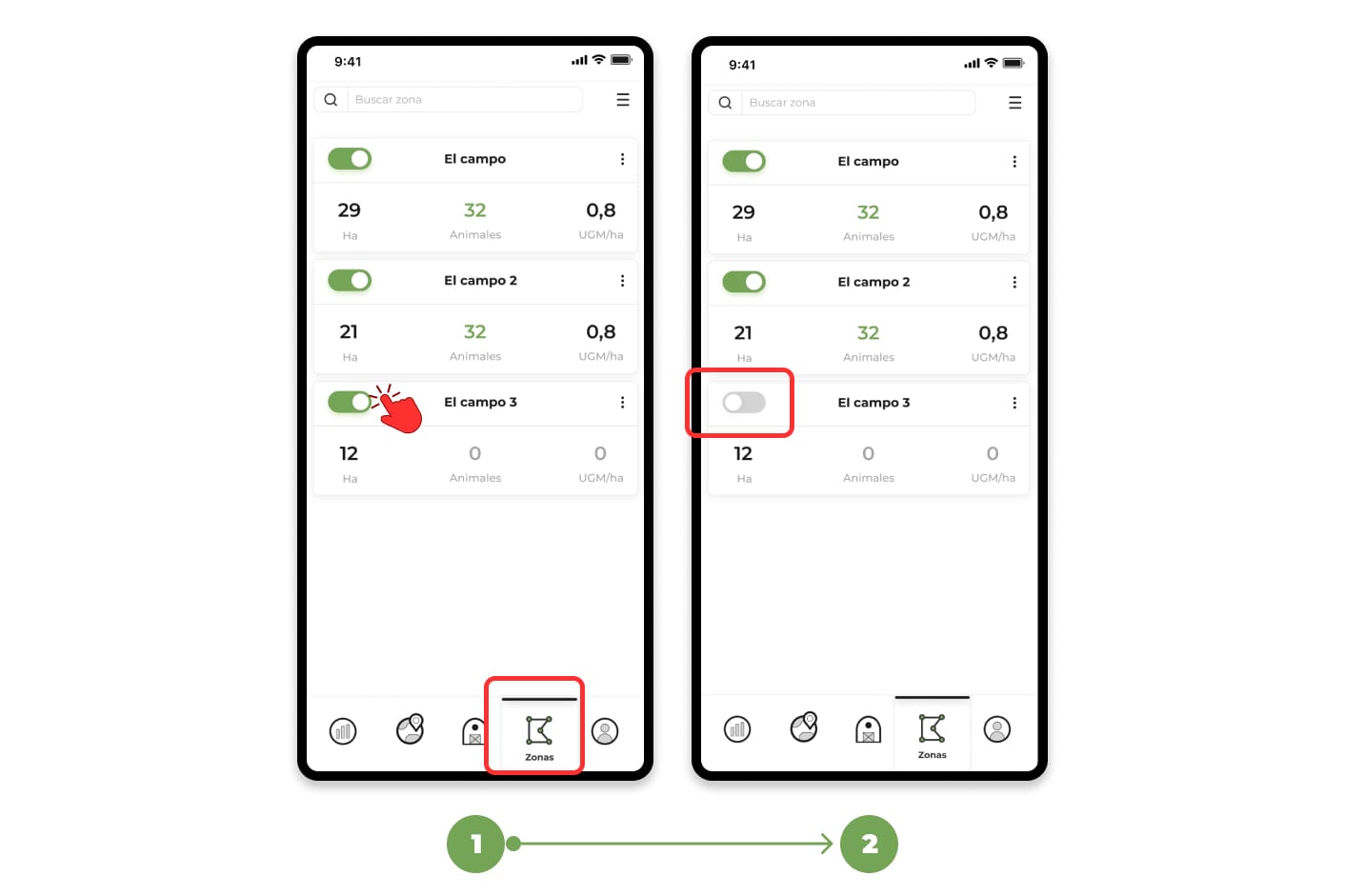
When you deactivate a zone:
- The zone will still exist in the app, but:
- You won't receive "out of zone" alerts related to it.
- Animals will not be automatically assigned to that zone.
- It will not appear drawn on the map.
- When you turn it back on, it will return to its normal functioning.
- If there were animals assigned to that area, this information is NOT lost when it is activated or deactivated.
To turn a zone on or off:
1. Go to the "Zones" menu.
2. Press the button to the left of each zone:
- If it changes to gray, the area will be disabled.
- If it changes to green, the zone will be activated.